
| Base currencies | Not specified |
|---|---|
| Local payments | Not specified |
| Islamic account | Not specified |
Consider whether you understand how leverage works before committing funds.

The AvaTrade Pip Calculator is a trading tool that calculates the monetary value of a single pip movement for a specific trade, based on your currency pair, trade size, and account currency. This converts price movement into a dollar figure so you know your potential profit or loss before you enter a position.
The tool is part of AvaTrade's suite of risk management resources, which also includes a Lot Size Calculator and a Margin Calculator. For Australian traders, understanding pip value is not just about maths; it is about aligning your trade size with your account balance and risk tolerance. A pip (percentage in point) is the smallest standard price movement in a currency pair, typically the fourth decimal place for most pairs.
We took the claims about this calculator's usefulness and tested them against how the platform itself works. The goal is to show you what this tool can and cannot do, and what conditions apply to your trading account.
What Exactly Does It Calculate?
The primary function is straightforward: it multiplies the pip value of the pair by the number of lots you plan to trade. The result is the value of one pip move in your account currency. This calculation depends on three variables:
| Licence it holds | ASIC AFSL 406684 |
|---|---|
| What it covers here | ASIC regulated |
| What it does not cover | AvaTrade is not a single top-tier, fully uniform regime broker |
| Where to check | 5 10 13 19 - Key verification points come from AvaTrade AU regulatory/legal documents and AU-facing pages |
- The currency pair you are trading (e.g., USD/CHF vs. USD/CHF).
- The number of units or lots you intend to buy or sell.
- Your account's base currency (e.g., USD or EUR).
AvaTrade offers Retail, Islamic, and AvaOptions account types, with a minimum deposit of USD 100. The calculator uses these account specifics to provide an accurate figure. The platform's pricing is spread-based with no commission, so the pip value directly influences your cost of trading on pairs like USD/CHF, where the spread starts from approximately 0.9 pips.
The Two-Step Calculation Process
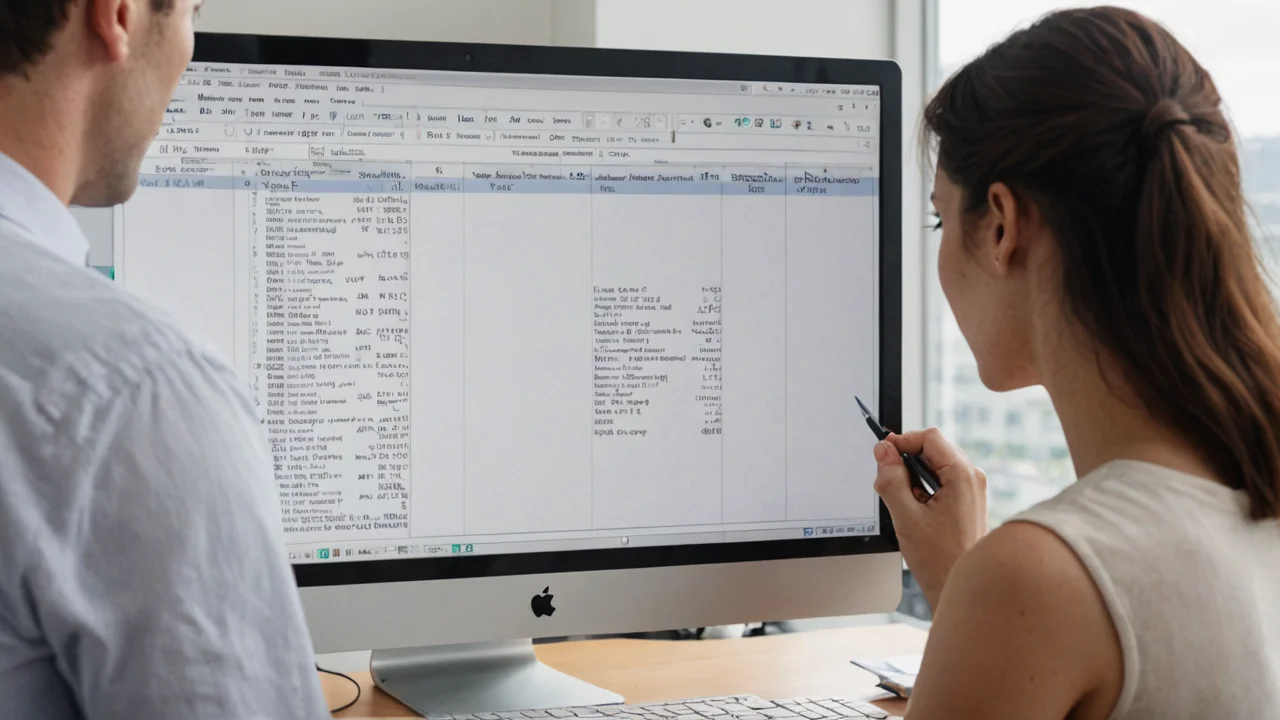
Using the calculator involves a simple sequence. You first select the currency pair, input your trade size in lots, and then select your account base currency. The tool then computes the pip value instantly.
Step 1: Select the Pair and Size
You choose the instrument, such as USD/CHF or USD/CHF. Then you enter the trade size. AvaTrade standardizes trade sizes in lots, where one standard lot is 100,000 units of the base currency.
Step 2: Read the Monetary Value
The calculator outputs the value of one pip in your account currency. For example, if you are trading one standard lot of USD/CHF with a USD-denominated account, one pip is worth approximately USD 10. If you trade a mini lot (0.1), that value drops to USD 1 per pip.
How to Interpret the Results for Risk
The calculated pip value is a risk metric, not a profit guarantee. It tells you how much your account equity will fluctuate for every pip the market moves against you. This is where position sizing comes into play.
| + | Forex / CFDs | available |
| – | Local stocks | not available |
| + | US stocks | available |
| + | Crypto | available |
| + | Commodities | available |
Let's say you deposit the minimum of USD 100. If the pip value on your chosen trade is USD 1, a 50-pip adverse move against you represents a 50% loss of your account equity on a single trade. The calculator helps you avoid this by allowing you to reduce your lot size before entry.
The practical application for Australian traders is position sizing. Most experienced traders do not risk more than 1-2% of their account on a single trade. The calculator lets you reverse-engineer the lot size that fits that rule.
Account Conditions
The calculator functions within the broader conditions of your AvaTrade account. The account type you choose affects the calculation output. For clients using the Islamic (swap-free) account, the pip value remains the same, but the absence of overnight fees changes your holding strategy.
| Account Feature | Detail |
|---|---|
| Account Types | Retail, Islamic, AvaOptions |
| Minimum Deposit | USD 100 |
| Commission Structure | No commission, spread-based |
| USD/CHF Spread | From ~0.9 pips |
| Platforms | MT4, MT5, WebTrader, AvaTradeGO, AvaOptions, AvaSocial |
AvaTrade Group was established in 2006 in Dublin, Ireland, and serves over 400,000 clients. The calculator is a standard feature across these platforms, ensuring consistency whether you use the web version or the mobile app.
Key Features and Platforms
AvaTrade does not restrict its pip calculator to a single interface. You can access the tool directly on their website, or you can use the native calculators built into MetaTrader 4 and MetaTrader 5. The MT4/MT5 calculators are integrated into the trading terminal.
| Platform | Calculator Access |
|---|---|
| MT4 | Integrated terminal widget |
| MT5 | Integrated terminal widget |
| WebTrader | Browser-based tool |
| AvaTradeGO | Mobile app function |
The mobile experience on AvaTradeGO allows you to input trade parameters and see the pip value before confirming the order. This prevents the common error of over-leveraging on a single position.
What the Calculator Does Not Tell You
The pip calculator provides a precise number, but it does not tell you what that number should be. It does not instruct you on your maximum risk or your optimal stop-loss distance. Those are decisions you make based on your trading plan and your financial situation.
| Platform | Runs on | Best for |
|---|---|---|
| WebTrader | desktop / web / mobile | Browser, nothing to install |
| MT4 | desktop / web / mobile | Forex and CFDs, expert advisors |
| MT5 | desktop / web / mobile | Multi-asset, more timeframes |
| MetaTrader | desktop / web / mobile | Trading and account management |
The tool only works if you enter accurate data. If your account is funded in a currency different from the one you select in the calculator, the result will be inaccurate. For Australian traders using AUD-based accounts, ensure you select AUD as the base currency.
Comparing Pip Values Across Instruments
While the calculator is primarily used for forex, AvaTrade offers indices, shares, commodities, crypto CFDs, and options. The pip value for these instruments is calculated differently. For indices and commodities, the "pip" is often a fractional price move, not a fixed standard.
| Instrument Type | Typical Price Increment | Notes |
|---|---|---|
| Forex (USD/CHF) | 0.0001 | Standard 4-digit pip |
| Indices (AU200) | 0.1 point | Value varies by contract |
| Commodities (Gold) | 0.01 | Value varies by contract size |
| Crypto CFDs (BTC) | 1.0 USD | Value varies by exchange rate |
This means you must choose the correct instrument specification in the calculator. Using forex standards for a gold trade will give you a false risk assessment. The AvaTrade calculator prompts you for the correct contract size, but you should verify the specifics of the asset in your trading platform.
Practical Usage
The AvaTrade Pip Calculator is a functional tool for converting pip movement into account currency.
Recommended fortraders who prefer to calculate their risk manually before entering a trade. If you want a specific dollar amount attached to every pip and you want to plan your stop-losses based on that figure, this tool removes the guesswork. It is also useful for new traders who do not yet have the standard pip values memorized.
- Suits
- Standard and Options
- Swap-free account option
- Not specified
- Does not suit
- AvaTrade is not a single top-tier, fully uniform regime broker
- Currency note
- Not specified
Not recommended fortraders who rely on automated risk management systems that calculate position size automatically based on a fixed stop-loss distance. If you set a stop in price distance and want the broker to auto-calculate the lot size for you, a pip calculator requires an extra step.
The tool is accurate and directly linked to the account conditions offered. It does not hide any costs, and the integration across MT4, MT5, and the mobile app is consistent.


Questions
Does the AvaTrade Pip Calculator cost money?
No. The Pip Calculator is a free tool provided by AvaTrade. It is available to both registered clients and visitors on the website, though the integrated versions in MT4 and MT5 require a funded account to use them alongside trading.
What is the minimum deposit required to use the calculator?
You can use the web-based calculator without an account. To apply its results to real trades, you need to open a Retail, Islamic, or AvaOptions account. The minimum deposit requirement is USD 100.
Does the calculator work for crypto CFDs?
Yes, but you must adjust the instrument settings. The price movement for crypto CFDs like Bitcoin is measured in whole dollars, not fractional pips. The calculator will use the contract specifications for the specific asset you select.