
| Base currencies | Not specified |
|---|---|
| Local payments | Not specified |
| Islamic account | Not specified |
Consider whether you understand how leverage works before committing funds.

Margin Basics for Traders
The margin calculator on AvaTrade's website tells you how much of your own capital is required to open a position. For traders in Australia, this matters because ASIC's leverage restrictions apply to retail clients, which directly affects the margin percentage you need to hold.
| Licence it holds | ASIC AFSL 406684 |
|---|---|
| What it covers here | ASIC regulated |
| What it does not cover | AvaTrade is not a single top-tier, fully uniform regime broker |
| Where to check | 5 10 13 19 - Key verification points come from AvaTrade AU regulatory/legal documents and AU-facing pages |
Margin is not a cost. It is a security deposit that stays locked while your position is open. The calculator estimates this amount before you commit funds, so you can plan position sizing without guessing. The formula is straightforward: margin equals position size divided by leverage, expressed in your account currency.
AvaTrade provides the calculator as a separate page on their site, alongside other trading tools. You enter your base currency, the pair or instrument, and your trade size. The output shows the margin required. It does not consider spreads, commissions, or overnight costs, so those remain separate.
How the Margin Formula Works
The core calculation AvaTrade's tool uses follows the standard industry formula. For forex pairs, margin is calculated as trade size multiplied by the exchange rate, then divided by the leverage ratio. The result shows the amount in your account currency.
| + | Forex / CFDs | available |
| – | Local stocks | not available |
| + | US stocks | available |
| + | Crypto | available |
| + | Commodities | available |
For example, with 1:30 leverage on a standard lot of USD/JPY, the margin requirement equals roughly USD 3,667 at current rates. At 1:400 leverage, the same position requires around USD 275. Higher leverage does not change the contract value, only the deposit needed to open it.
AvaTrade's current leverage structure differs by region. For Australian retail clients, the maximum is set by ASIC regulation at 1:30 for major forex pairs. This rule applies to all brokers holding an Australian Financial Services Licence, including AvaTrade.
Setting the Calculator Inputs
The tool asks for specific parameters before it can produce a result. Each input changes the final figure, so accuracy matters when using it.
| Input Field | What It Means | Example Value |
|---|---|---|
| Base Currency | Your account's currency | USD, EUR, AUD |
| Instrument | The asset you plan to trade | USD/JPY, Gold, US30 |
| Trade Size | Position volume in lots or units | 1.0 lot, 10,000 units |
| Leverage | Your account's leverage setting | 1:30, 1:100, 1:400 |
| Account Type | Retail, Islamic, or AvaOptions | Retail (Standard) |
The leverage field deserves attention. What you select here must match your actual account settings, otherwise the calculation is meaningless. For Australian clients, the maximum retail leverage is 1:30.
AvaTrade offers Retail, Islamic (swap-free), and AvaOptions account types. The margin calculation logic applies across all account types, though the AvaOptions platform uses a different margin model for option positions.
Leverage and ASIC Rules for AUD Accounts
ASIC requires retail clients to trade with a maximum leverage of 1:30 for major forex pairs, 1:20 for minor pairs and gold, and lower for other assets. This was implemented in 2021 and remains the current standard for licensed brokers.
| Platform | Runs on | Best for |
|---|---|---|
| WebTrader | desktop / web / mobile | Browser, nothing to install |
| MT4 | desktop / web / mobile | Forex and CFDs, expert advisors |
| MT5 | desktop / web / mobile | Multi-asset, more timeframes |
| MetaTrader | desktop / web / mobile | Trading and account management |
AvaTrade operates with an ASIC licence for its Australian entity. This means the leverage cap applies directly to your account if you are classified as a retail client. Professional clients may access higher leverage after meeting specific eligibility criteria, but most traders will not qualify.
The margin calculator on AvaTrade's site reflects these limits when you select an Australian account. This shows the realistic capital requirement you will face, not the theoretical maximum that other regions may display.
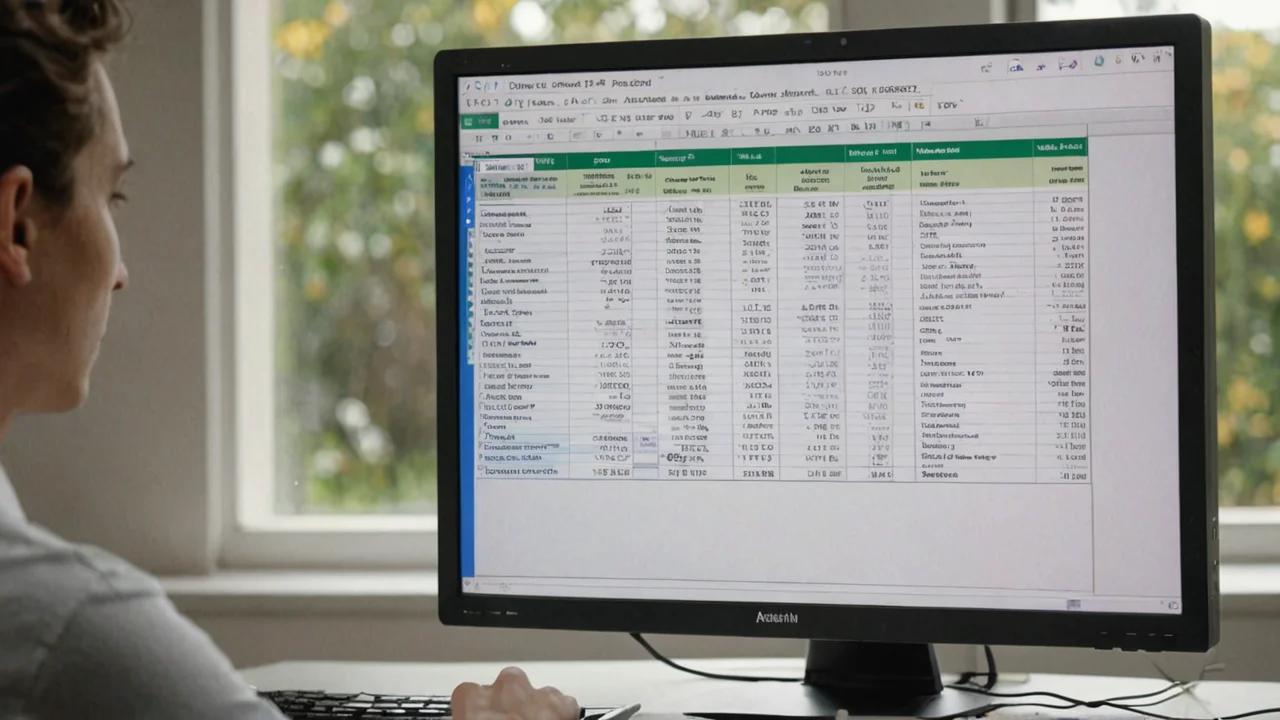
Funding and Payment Methods in AUD
Depositing funds in Australian dollars is available through bank wire, credit and debit cards, and several e-wallet options that work with AUD accounts.
| Payment Method | Processing Time | Typical Fees |
|---|---|---|
| Bank Wire (AUD) | 1-3 business days | Bank-dependent, often free |
| Credit/Debit Card | Instant to 24 hours | 0-2% depending on card |
| Skrill, Neteller | Instant | 1-3% deposit fee |
| PayPal | Instant | Varies by region |
AvaTrade does not charge a deposit fee for most methods. However, your bank or payment provider may apply their own charges. Withdrawals are processed back to the original payment method where possible, which is the standard practice across the industry.
The minimum deposit for a retail account is USD 100 or the equivalent in AUD. Islamic accounts and AvaOptions accounts follow the same USD 100 minimum threshold.
Leverage risk vs. margin requirement
Leverage amplifies both gains and losses. The margin calculator shows the deposit required, not the potential loss you could face. A position that uses 3.3% margin at 1:30 leverage can lose more than the margin amount if the market moves against you.
| Leverage | Margin % | Price Move to Wipe Margin |
|---|---|---|
| 1:10 | 10% | 10% adverse move |
| 1:30 | 3.3% | 3.3% adverse move |
| 1:100 | 1% | 1% adverse move |
| 1:400 | 0.25% | 0.25% adverse move |
At 1:400, a 0.25% adverse move wipes out the margin. At 1:30, you have more breathing room. This is not a reason to avoid trading, but it is a reason to calculate position size honestly before opening a position.
AvaTrade offers negative balance protection for retail clients, which means you cannot lose more than your deposited funds. This is mandatory under ASIC rules. It protects you from owing money to the broker, even in volatile market conditions.
Comparing Margins Across Platforms
AvaTrade supports MT4, MT5, WebTrader, AvaTradeGO, AvaOptions, and AvaSocial. The margin calculation logic is consistent across all platforms because the requirement depends on the account, not the software.
| Platform | Margin Display | Suitable For |
|---|---|---|
| MT4 / MT5 | Built-in margin meter | Desktop traders |
| WebTrader | Live margin in trade ticket | Browser-based users |
| AvaTradeGO | Mobile margin view | On-the-go trading |
| AvaOptions | Options-specific margin model | Advanced option traders |
The built-in margin meter on MT4 and MT5 updates in real time. It is useful to compare this reading with the online calculator before opening larger positions. Discrepancies usually come from outdated exchange rates or wrong leverage inputs.
Practical Use of the Calculator
The margin calculator works best as a pre-trade check, not a real-time monitoring tool. Use it to plan your position size based on the capital you have available, then rely on the platform's margin meter for live updates.
- Suits
- Standard and Options
- Swap-free account option
- Not specified
- Does not suit
- AvaTrade is not a single top-tier, fully uniform regime broker
- Currency note
- Not specified
- Calculate margin before placing a trade, especially if you trade multiple positions at once.
- Keep total margin used below 50% of your account balance to avoid margin calls during normal volatility.
- Recalculate when your base currency differs from the pair's quote currency, since conversion rates affect the result.
- Check the leverage field matches your actual account, not the default value the calculator may show.
For Australian traders, margin requirements at 1:30 are higher than in other jurisdictions, but the calculator makes the number transparent. You can plan positions with full knowledge of the capital required.
What to Check Before Depositing Funds
Before you wire money to any broker, including AvaTrade, run through a short checklist. These items take ten minutes but save you from surprises later.
First, confirm which entity your account is under. AvaTrade's Australian entity holds an ASIC licence, which gives you access to local dispute resolution and negative balance protection. Accounts under the offshore entity have different protections. The margin calculator does not distinguish between them, so verify this in your account settings.
Second, test your position size with the calculator against your planned strategy. If a 0.1 lot position on USD/JPY requires more margin than expected, adjust the lot size or reduce the number of simultaneous positions.
Third, read the terms around withdrawal processing times. The calculator is about opening positions, but your exit strategy depends on getting funds back. Standard withdrawal times at AvaTrade range from one to five business days depending on the method.


Questions
How do I calculate margin for a trade on AvaTrade?
Use the margin calculator on AvaTrade's website. Select your base currency, the instrument, trade size, leverage, and account type. The tool returns the required margin in your account currency. You can also use the built-in margin meter on MT4 or MT5.
Is the margin calculator free to use?
Yes, the margin calculator is a free tool on AvaTrade's website. It requires no account login and is available to any visitor. The results are estimates, so final margin requirements appear once you open a trade ticket in the platform.
Does AvaTrade's margin calculator work for options and CFDs?
The tool covers forex pairs, indices, shares, commodities, and crypto CFDs. Options trading on the AvaOptions platform uses a different margin model, so the calculator may not produce an accurate figure for option positions.
What happens if my margin balance falls below the required level?
AvaTrade issues a margin call and may close positions automatically to bring your account back above the required level. Retail clients have negative balance protection, so you will not owe money beyond your deposit. The margin calculator helps you avoid this situation by planning position sizes in advance.